Table of Content
Introduction
Sebelumnya gue sudah berhasil Pasang SSL di XAMPP Versi Linux, Kali ini gue berhasil install SSL tanpa XAMPP. Menurut gue sangat mudah dan simple ya. Berikut Caranya!
Sertifikat SSL
Buat sertifikasi SSL dengan perintah berikut:
sudo openssl req -x509 -nodes -days 365 -newkey rsa:2048 -keyout /etc/ssl/private/pas.test.key -out /etc/ssl/certs/pas.test.crtnama file pas.test.key mohon disesuaikan dengan project lo ya.
Konfigurasi
ketik perintah berikut:
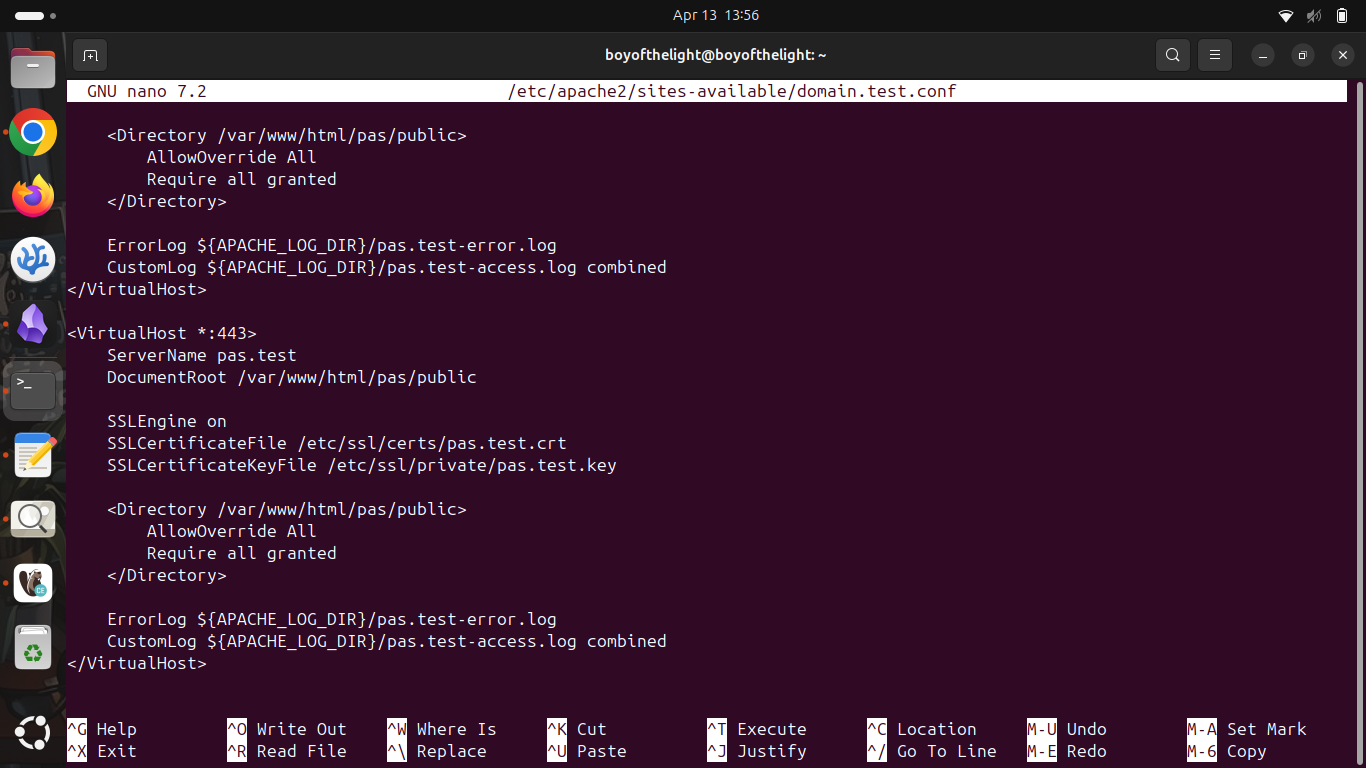
Dan tambahkan kode dibawah:
<VirtualHost *:443>
    ServerName pas.test
    DocumentRoot /path/to/your/laravel/public

    SSLEngine on
    SSLCertificateFile /etc/ssl/certs/pas.test.crt
    SSLCertificateKeyFile /etc/ssl/private/pas.test.key

    <Directory /path/to/your/laravel/public>
        AllowOverride All
        Require all granted
    </Directory>

    ErrorLog ${APACHE_LOG_DIR}/pas.test-error.log
    CustomLog ${APACHE_LOG_DIR}/pas.test-access.log combined
</VirtualHost>
Konfigurasi sebelumya jangan dihapus ya. Hasilnya akan seperti gambar dibawah.
Baca: Custom Domain Tanpa Xampp Versi Linux
Final
Ketik perintah berikut untuk finishing
sudo a2enmod ssl
sudo a2ensite pas.test.conf
sudo systemctl restart apache2
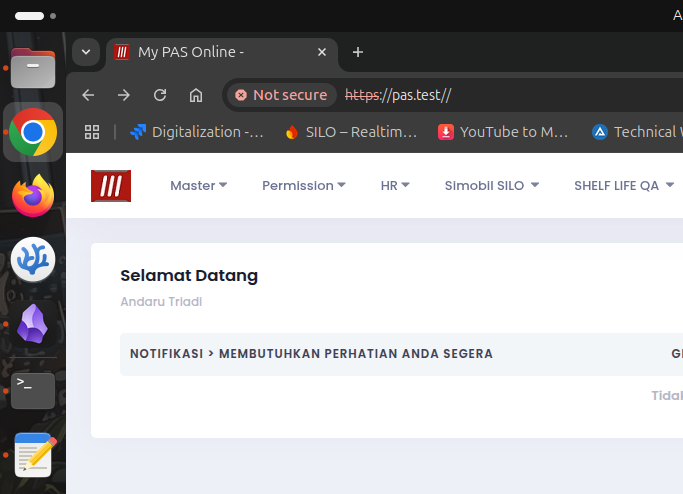
Oke kita berhasil memasang ssl.
Date: 13-04-2025